Lowering cost per click isn’t about cutting bids until your ads stop showing. It’s about making your ads relevant enough that Google charges you less for the same traffic, and being honest that a cheaper click is only a win if it still converts.
The fast list
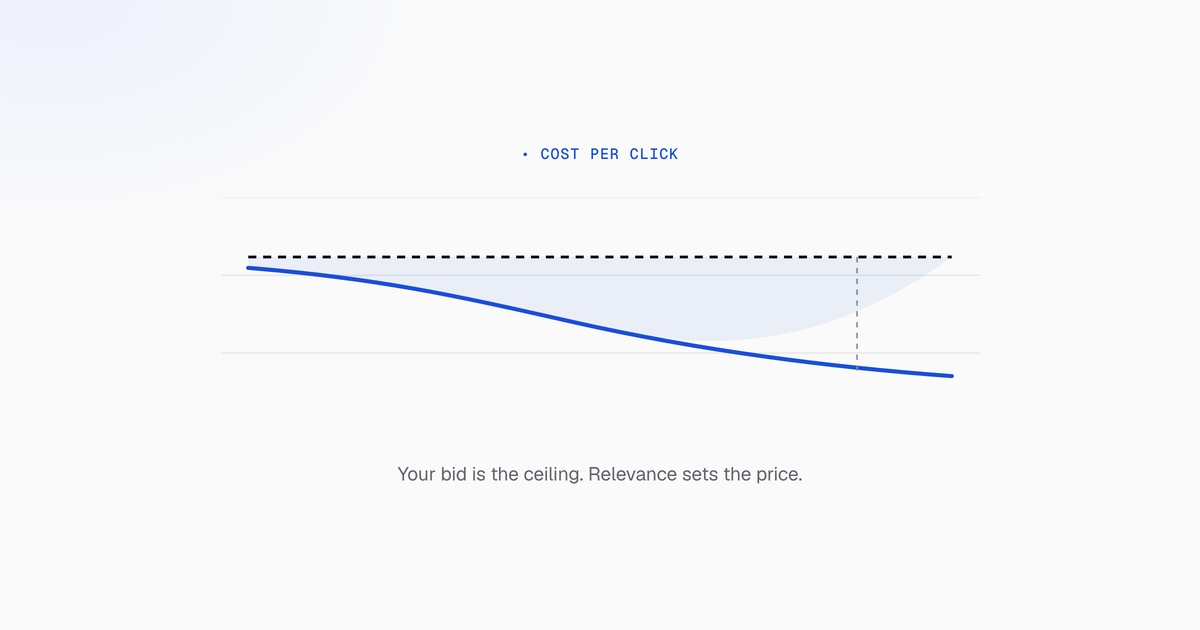
Your cost per click isn’t set by your bid alone. Google uses Ad Rank, your bid combined with quality factors, to decide both whether your ad shows and what you pay. Which means you can lower CPC without touching your maximum bid.
Things you can do in the account today:
- Move a campaign off Maximize Clicks. Campaigns > Settings > Bidding. Maximize Clicks optimizes for volume, and volume is the one thing you don’t want to buy. Maximize Conversions steers spend toward people more likely to convert.
- Add negatives from the search terms report. Campaigns > Insights and reports > Search terms, filtered for high spend and zero conversions.
- Restrict broad match that’s burning budget. Move your highest-spend broad terms to phrase or exact.
- Cut bids on devices that don’t convert. Campaigns > Segment > Device.
- Tighten geography. Campaigns > Locations, then the User Location report. Exclude or down-bid areas where spend is high and leads aren’t.
- Add assets. Ads & assets > Assets. Sitelinks, callouts, structured snippets. They lift click-through rate without raising your bid, and they feed Ad Rank directly.
- Match ad copy to intent. The primary keyword in Headline 1, and copy that answers what the searcher actually asked.
- Cut scheduling waste. Campaigns > Ad schedule, Day & hour segment.
The goal isn’t the cheapest possible click. It’s a lower click cost that still produces qualified leads. Worth paying more on high-intent traffic and cutting hard everywhere else.
How you actually get charged
You don’t pay your bid. Google runs an auction on every search, and Ad Rank decides both your position and your price.
Ad Rank combines your maximum bid with quality factors: the three Quality Score components, the expected impact of your assets and formats, and auction-time context like device and location.
The part that matters for your budget: your actual cost per click is derived from the Ad Rank of the competitor below you, divided by your own quality. Quality sits in the denominator. Raise it and the price falls, at the same position, with the same bid.
Worked through. Advertiser A bids $2.00 with a Quality Score of 7, so Ad Rank is 14. Advertiser B bids $3.00 with a Quality Score of 4, so Ad Rank is 12.
A's actual CPC ≈ (B's Ad Rank ÷ A's Quality Score) + $0.01
               ≈ (12 ÷ 7) + $0.01
               ≈ $1.72
A wins the better position and pays $1.72 while bidding $2.00, against a competitor bidding 50% more. That gap is the whole reason relevance work pays.
This is why improving relevance usually lowers CPC further than cutting bids does. Cutting bids lowers your Ad Rank too, so you buy a worse position at a lower price. Raising quality lowers the price and raises the position at once.
A cheaper click can be the expensive option
Cheaper clicks that never convert still raise cost per lead. Average CPC on its own tells you nothing about whether a campaign is working.
Search clicks cost more than display or shopping clicks because the intent behind them is higher. The LocaliQ 2026 benchmarks put average search CPC at $5.42 across industries. That premium is usually worth paying.
Run the comparison. A $5.00 click from someone searching “commercial HVAC repair quote” converting at 8% gives you a $62.50 cost per lead. A $0.35 display click converting at 0.1% gives you a $350 cost per lead. The display click is fourteen times cheaper and more than five times worse.
So watch Cost/conv. and Conv. rate next to Avg. CPC, always. Optimizing CPC in isolation is how accounts get cheaper and worse at the same time.
Audit before you change anything
- Keywords > Search keywords. Columns > Modify columns, then add Avg. CPC, Cost, Conversions, Cost/conv., Conv. rate, and Quality Score with its three sub-columns.
- Segment by Device and by Day & hour to find where CPC is high and conversion rate isn’t.
- Filter for the priorities: high spend with zero conversions, high CPA, or Quality Score at 5 or below.
- Pull the search terms report and look for expensive queries that were never relevant.
- Export and pivot by match type, device, and location. Broad match and specific geographies are usually where the average CPC is being inflated.
That gives you a ranked list. Work it in cost order.
Quality Score is the discount
Quality Score is Google’s 1 to 10 estimate of how well your keyword, ad, and landing page serve the searcher. It’s reported at keyword level, and it’s a diagnostic rather than a target. It tells you where you’re overpaying.
Expected CTR. How likely people are to click your ad versus competitors for the same query. If this reads “Below average,” it’s usually the biggest single drag on your CPC.
Ad relevance. How closely the ad matches the keyword and the intent behind it. Generic copy scores badly here, and generic copy is what you get from ad groups that are too broad to write specifically for.
Landing page experience. Whether the page is fast, usable on mobile, and actually about what the ad promised.
Because Quality Score sits in the denominator of the price calculation, improvements compound across every auction rather than fixing one campaign. Start with your highest-spend keywords scoring below 6. A bad score on a keyword spending $12 a month isn’t worth an afternoon.
Expect movement over weeks. Ad copy, structure, and landing page changes take time to re-score.
Tighter ad groups
Ad groups holding 20 to 50 loosely related keywords make it impossible to write an ad that’s relevant to all of them. That drags down ad relevance and expected CTR, two of the three components you control.
Build ad groups around one intent, usually three to ten closely related keywords. Single-keyword ad groups take the idea to its extreme; in practice, intent-based clusters get most of the benefit without leaving you with hundreds of ad groups to maintain.
The test is simple: if you can’t write one ad that’s genuinely relevant to every keyword in the group, the group is too broad.
Align each group’s ad copy and final URL with its theme so the chain from query to ad to page is obviously consistent. After restructuring, watch the Ad relevance column.
Ad copy and assets
Better copy lifts click-through rate, which raises expected CTR, which discounts your click. The chain is direct.
- Primary keyword in Headline 1, and copy that speaks to the specific intent: “Get a quote today,” “Compare plans in two minutes.”
- At least three responsive search ads per ad group, so Google has real variation to test. Pin sparingly; heavy pinning removes the algorithm’s ability to find the winning combination.
- Test one axis at a time, benefit-forward against feature-forward, and measure CTR, Avg. CPC, and the Expected CTR column over two to four weeks.
Assets, what used to be called ad extensions, belong in this section because Google factors them into Ad Rank. They lift click-through rate and Ad Rank without raising your bid, which is the cheapest lever in the account.
Set up sitelinks, callouts, structured snippets, and price assets under Ads & assets > Assets, and apply them at campaign or account level.
Landing pages affect what you pay, not just what you convert
Google evaluates landing page experience per keyword: relevance to the query, mobile usability, speed, transparency. It feeds Quality Score, so the page changes your click price as well as your conversion rate.
The checklist:
- Main keyword or a close variant in the H1 and opening text.
- Fast load on mobile, on a real connection rather than your office wifi.
- Primary call to action visible without scrolling.
- Separate pages for distinct intents (pricing, demo, “near me”) rather than everything pointed at the homepage.
Match types and keyword selection
Broad match gives you reach and surfaces queries you’d never have thought of, at the cost of pulling in irrelevant searches. Phrase is the balanced middle. Exact is tightest and captures the clearest intent.
For lead generation, put most of your spend on phrase and exact against bottom-funnel queries: “buy,” “pricing,” “quote,” “[service] near me.” These are more competitive per click and usually cheaper per lead.
Long-tail terms face less competition and tend to carry both lower CPC and better Quality Scores, because the relevance between query and ad is tight by construction.
The weekly loop: review search terms, promote converting queries into exact or phrase keywords, add the irrelevant ones as negatives. That’s how spend migrates from waste to intent over time.
Negatives
Cutting irrelevant clicks raises CTR, which improves expected CTR, which lowers CPC, so negatives work on both the waste and the price at once.
Mine the search terms report for patterns: “free,” “jobs,” “tutorial,” “DIY,” competitor names you don’t want. Use account-level lists for universal junk and campaign-level for industry quirks.
This has enough depth for its own guide, so it’s covered separately. The point here is that negative keyword work lowers wasted spend and improves Quality Score simultaneously, and the two compound.
Bidding strategy
| Strategy | CPC control | Best when |
|---|---|---|
| Manual CPC | Full: you set every bid | New campaigns, limited conversion data |
| Enhanced CPC | Partial: Google adjusts around your bid | Transitioning from manual to automated |
| Maximize Clicks | Automated, for volume | Rarely the right answer; buys cheap, low-intent traffic |
| Maximize Conversions | Automated, for conversions | Campaigns with steady conversion volume |
| Target CPA | Automated, against a cost target | Once you have the volume to support it |
| Target ROAS | Automated, against a return target | When conversion value tracking is in place |
Manual CPC is the right starting point when you don’t have data. Automated strategies need signal to work with. Google’s own Target CPA guidance points at roughly 30 conversions in the preceding 30 days, and the learning period after a change runs one to two weeks.
Below that threshold, automation isn’t optimizing. It’s adding variance you can’t diagnose.
Also watch Top of page rate, Absolute top of page rate, and Search lost IS (rank). If you’re losing impression share to rank, raising Quality Score is almost always cheaper than raising your bid.
Device, location, and schedule
Devices. Campaigns > Segment > Device. If tablet spend converts at near zero, adjust down or exclude. Desktop and mobile frequently behave nothing alike.
Locations. The Geographic and User Location reports under Campaigns > Locations. Excluding areas that never convert lowers your average CPC directly, because you stop averaging in expensive clicks that were never going to work.
Ad schedule. Review the Day & hour segment. B2B accounts routinely waste budget overnight and at weekends. Reducing bids in those hours preserves impression share when it matters.
The cadence
- Weekly. Search terms and negatives. Top-spend keywords and their Quality Score. Flag anything at 5 or below for structure or copy work.
- Every two weeks. Device, location, and time-of-day reports. Adjust where data supports it.
- Monthly. Whether any campaign now has the volume for automated bidding. Structure and landing page alignment. Fresh copy and assets. Budget allocation judged on cost per lead, not on CPC.
Build a saved report combining Avg. CPC, Cost/conv., Conv. rate, Quality Score, and Search lost IS (rank), so you never look at click price in isolation.
Keep a change log, annotations in the interface or an external doc, with the date, the change, and what you expected. When CPC moves three weeks later, that log is the difference between knowing why and guessing.
Pull these levers steadily and average CPC drifts down while lead quality holds. Pull only the bid lever and you’ll get a cheaper number on a worse account.